Features
Enquiry & Form Issue
Every enquiry, follow-up call, and form issued — tracked and updated automatically the moment a candidate is admitted.
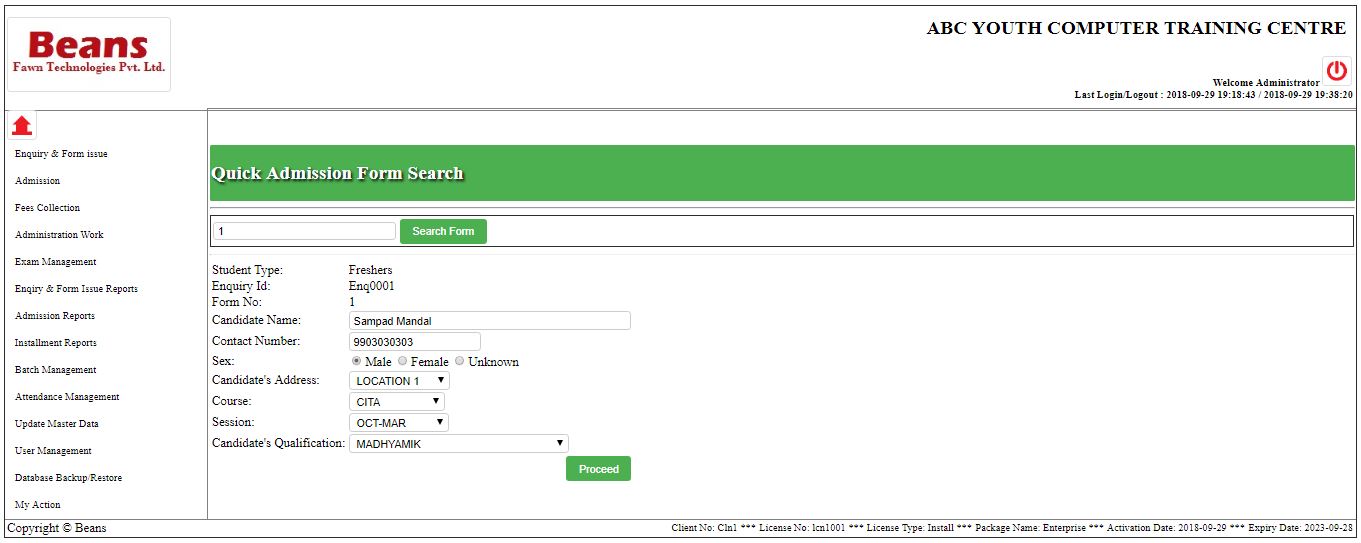
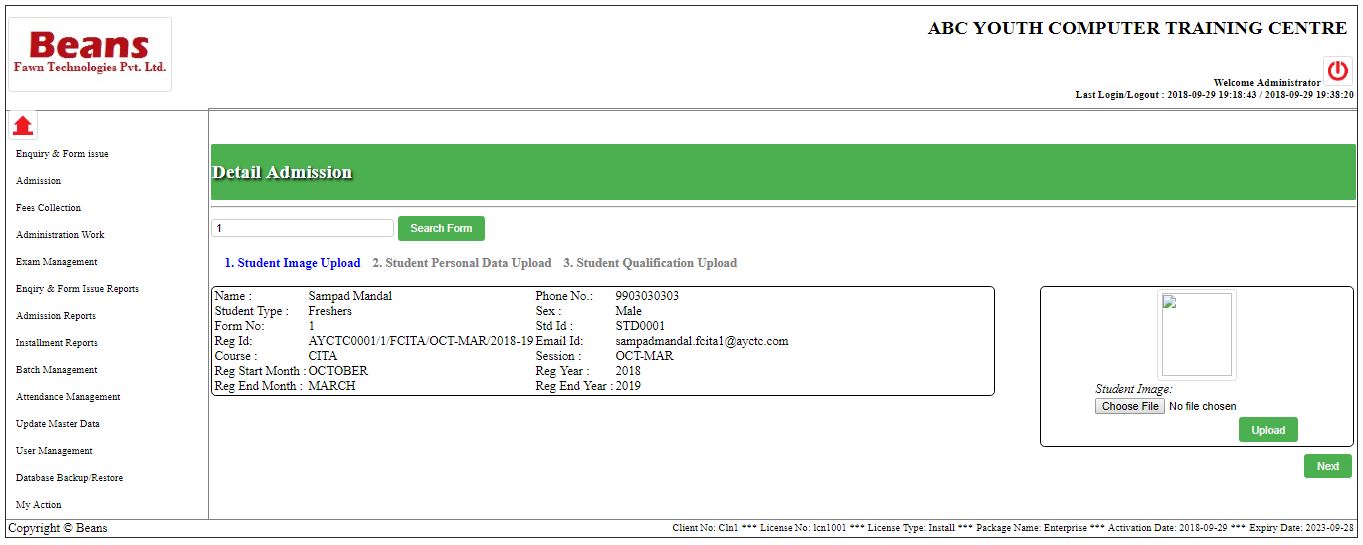
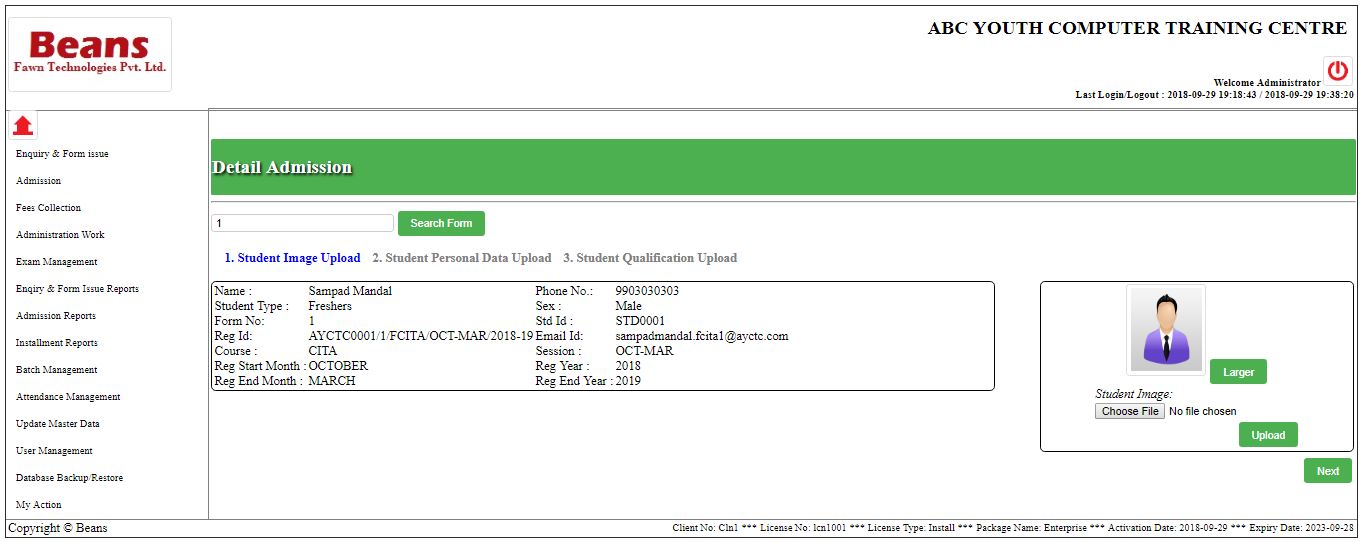
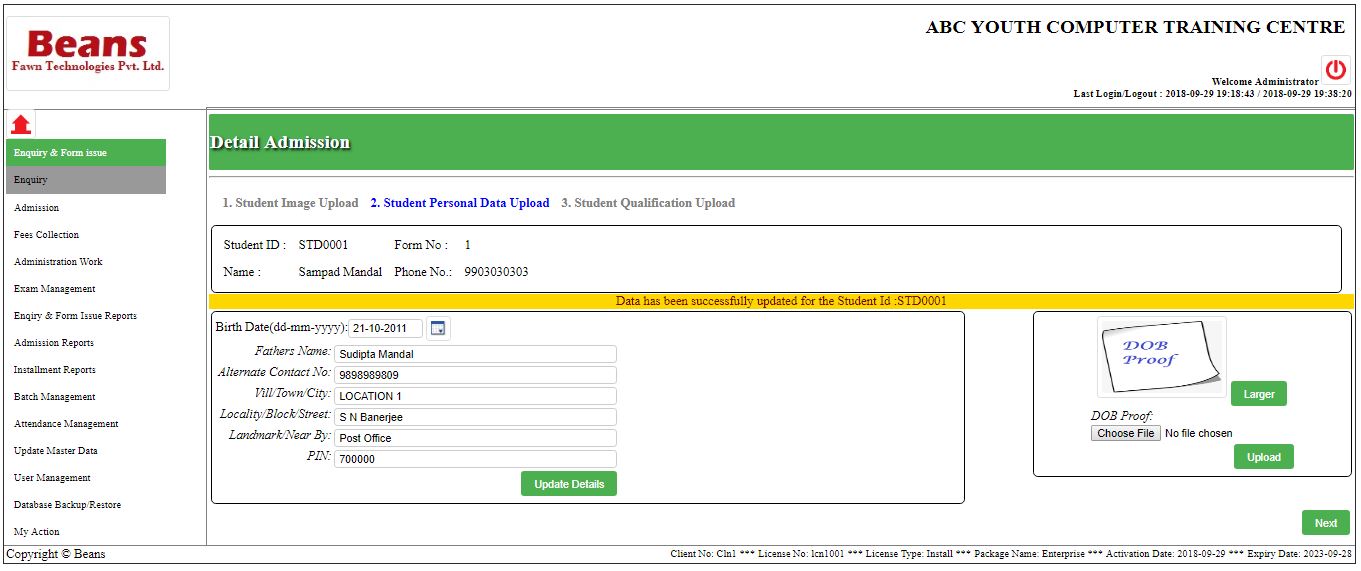
Admission Management
Quick or detailed admission entry, flowing straight from enquiry data with zero re-typing.
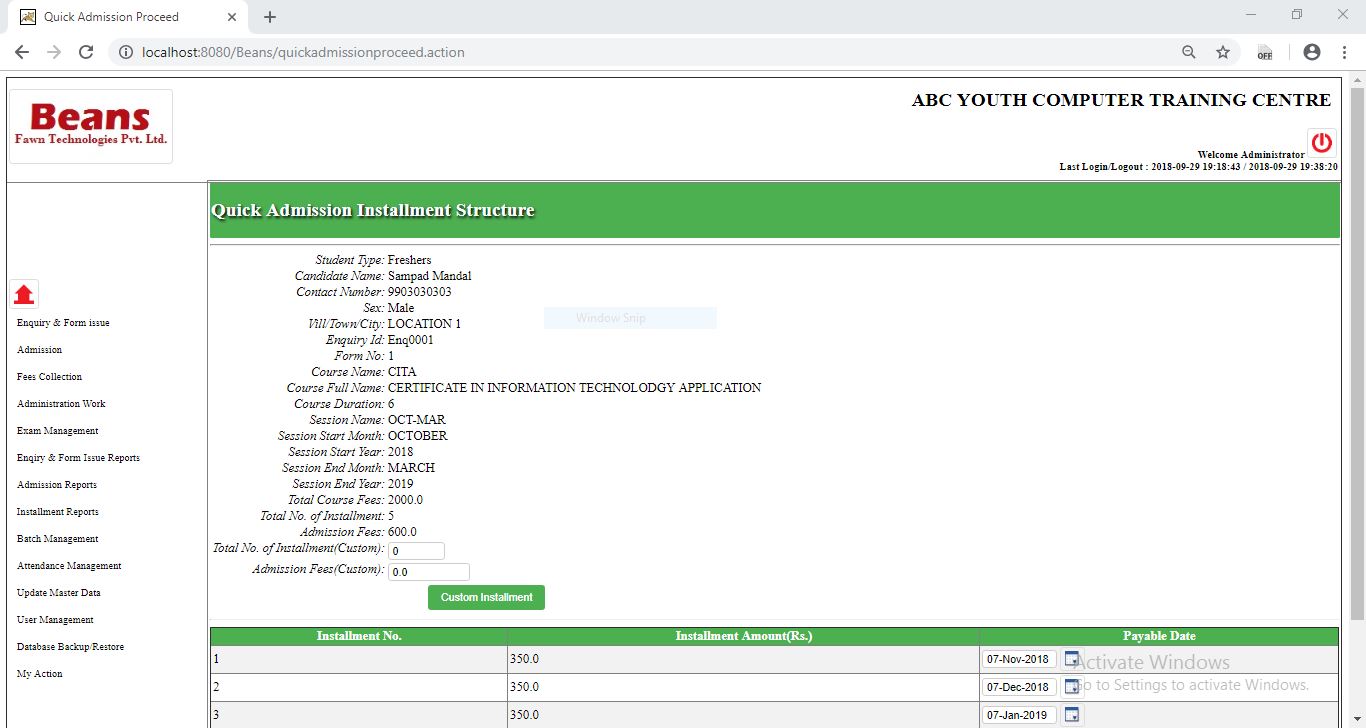
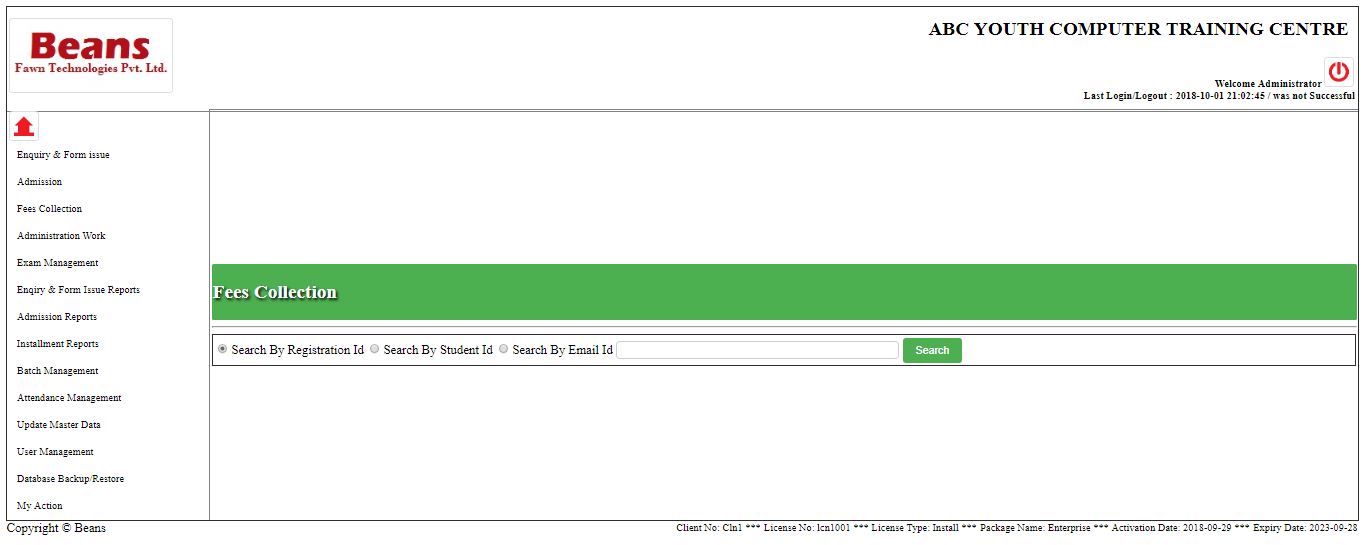
Fees Collection
Installment schedules, receipts, and due reminders — reported per session or date, exportable to Excel or PDF.
Batch Management
Create, manage, and reassign batches, with course and module tags attached to every student.
Attendance Management
A daily attendance register that flags absentees early, before a drop-out becomes permanent.
Exam Management
Exam attendance and result lists, ready to file the moment a session ends.
Transaction Management
An expense register and transaction report, so every rupee in and out of the centre is accounted for.
Licensing
- Form Issue
- Quick & Detail Admission
- Examination List & Attendance
- Database Backup
- Student Dashboard
- Admission & Installment Reports per Session
- Everything in Base, plus:
- Enquiry & Call Management
- Create / Manage Users
- Expense Register
- Session Dashboard & Transaction Report
- Enquiry & Admission Reports per Date
- Everything in Base & Professional, plus:
- Create / Manage / Change Batch
- Attendance Register
- Absent Students Call
- Student Batch Report
- Assign Batch to Students
Gallery
Frequently Asked Questions
Can I try before I buy?
Yes — contact us for a full-featured demo installation. You can use every feature for a trial period before deciding on a licence, and the same demo can later convert to a licensed version with no data loss or migration.
How does installation work?
Our engineer sets up the environment and installs Beans on your server (for LAN use) or desktop (for standalone use), based on your choice.
Can I change my plan later?
Yes, at any time during your current licence term without affecting current functionality — the new tier activates once the current term ends.
How do I get support?
Email us with your Customer Number and Licence Number and our support engineer will reach out. For urgent issues, call us directly.